

- Katılım
- 6 Mayıs 2022
- Mesajlar
- 45,967
DOWNLOAD:
[HIDE-REPLY]
Ziyaretçiler için gizlenmiş link,görmek için üye olmalısınız!
Giriş yap veya üye ol.
[/HIDE-REPLY]Knight Online Client Full Kurulumu: 1299 Client Full Sorunsuz Yükleme Rehberi
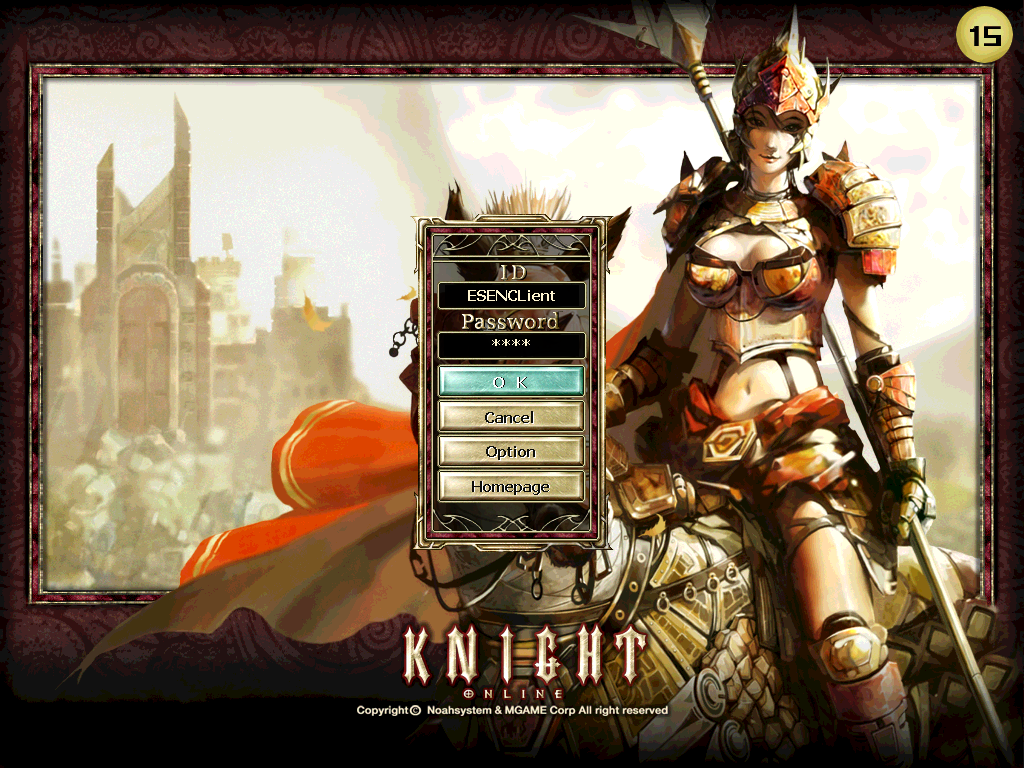
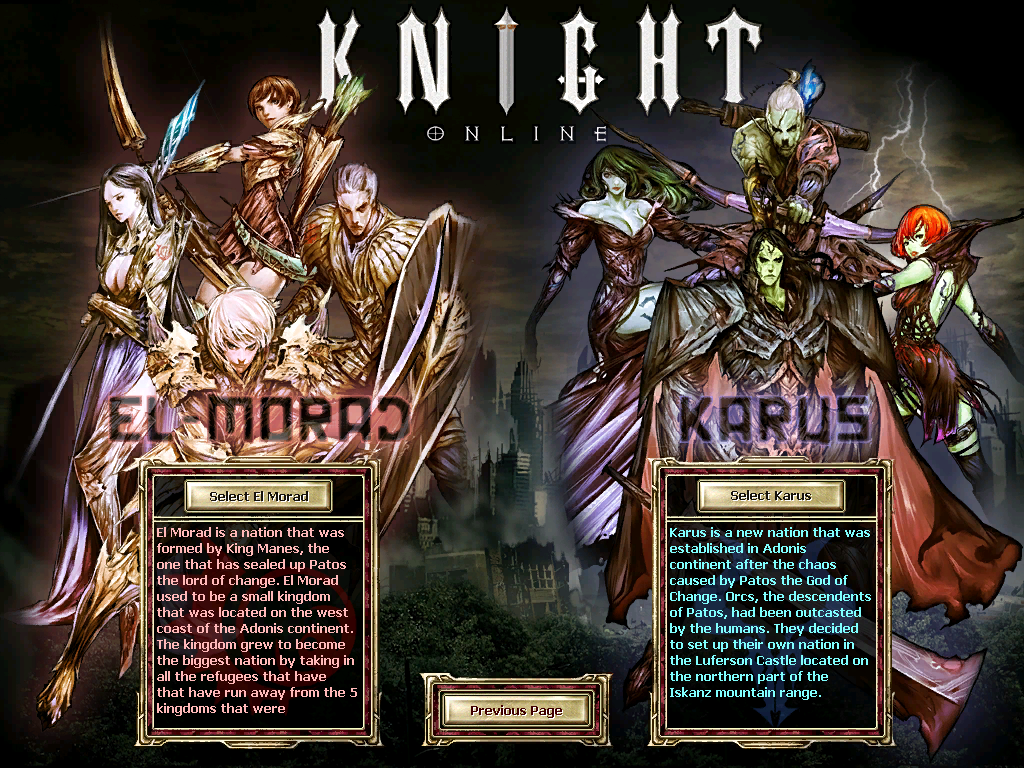
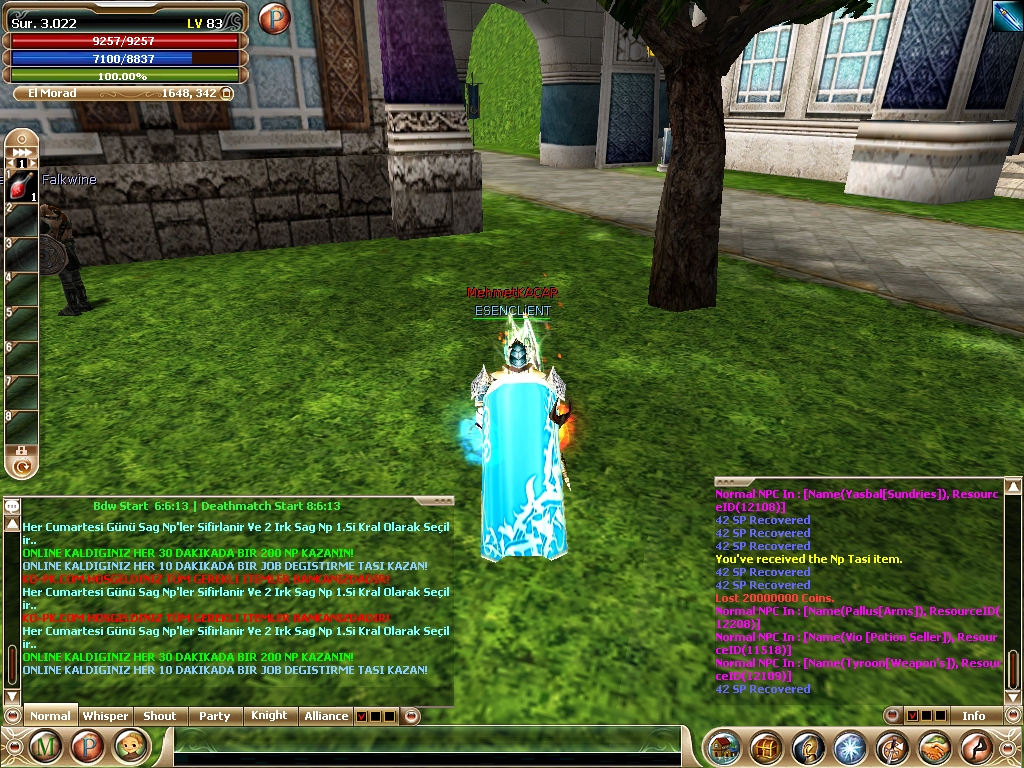
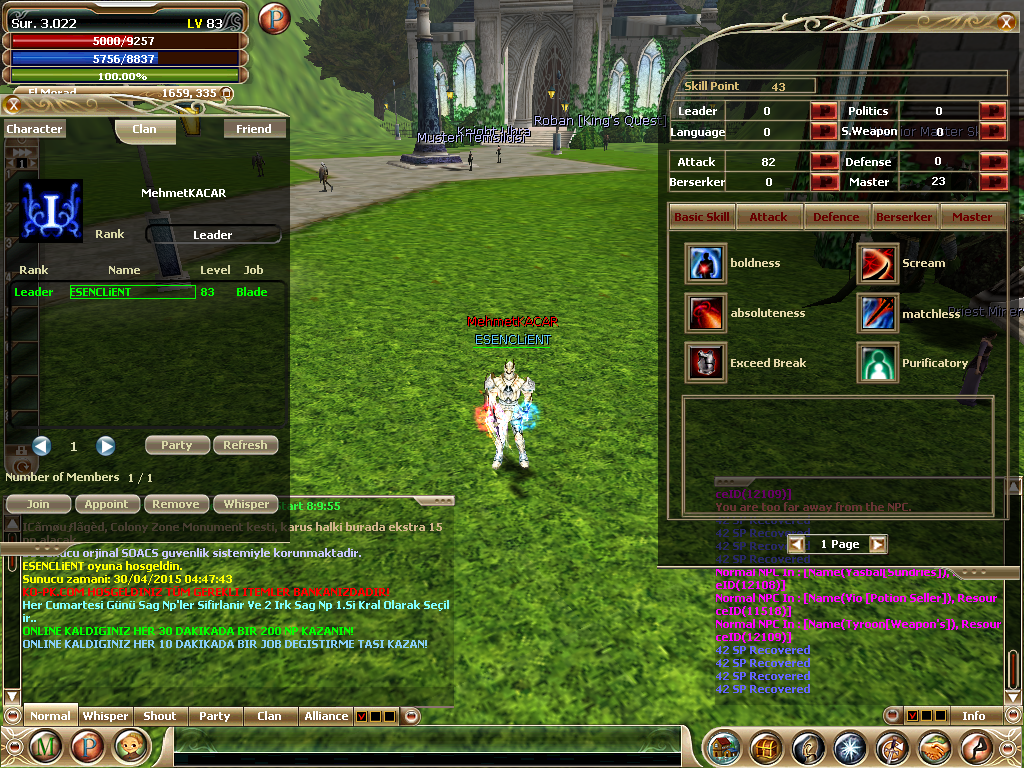
Knight Online özel sunucularında oynamak isteyen oyuncular için doğru ve sorunsuz bir şekilde 1299 Client Full kurulumu oldukça önemlidir. Bu rehberde, Knight Lobby olarak sizlere 1299 Client Full kurulum sürecini detaylı bir şekilde anlatacağız. Oyun içi performans, stabilite ve hile koruma gibi konularda en iyi deneyimi sunmak adına doğru kurulum yapmak şarttır.
Neden 1299 Client Full Kullanılır?
Knight Online özel sunucularında genellikle belirli bir versiyon numarasına göre client dosyaları ayarlanır. 1299 Client Full, USKO, ROFD ve benzeri sunucular tarafından en çok tercih edilen client versiyonudur. Bu client sayesinde hem PvP hem de bot sistemleri daha sorunsuz çalışır. Ayrıca cap 83 ve cap 70 gibi sınırlamaların olduğu sunucularda da uyumlu çalışabilir.
1299 Client Full İndirme ve Hazırlık Aşaması
Knight Online Client dosyalarını güvenilir kaynaklardan indirmek büyük önem taşır. Yanlış veya zararlı client dosyaları, bilgisayarınıza bulaşan virüslerin nedeni olabilir. Knight Lobby olarak önerdiğimiz client dosyaları, test edilmiş ve güvenli versiyonlardır. KnightOnLine.exe ve diğer gerekli dosyalar eksiksiz bir şekilde hazırlanmalıdır. Item.bin, Mob.bin, Npc.bin gibi dosyaların da doğru sürümde olduğundan emin olunmalıdır.
Sorunsuz Kurulum İçin Gerekli Adımlar
1. Öncelikle mevcut Knight Online client dosyalarınızın yedeğini alın. Bu işlem, olası hatalarda geri dönmek için önemlidir.
2. 1299 Client Full dosyalarını güvenilir bir kaynaktan indirin.
3. Eski client dosyalarının bulunduğu dizini silmeden yeni dosyaları üzerine yazarak yerleştirin.
4. KnightOnLine.exe dosyasının özelliklerinden 'Yönetici olarak çalıştır' seçeneğini işaretleyin.
5. Oyunu başlatmadan önce firewall ve antivirüs programlarınızdan Knight Online izni verdiğinizden emin olun.
Client Edit işlemlerinde dikkat edilmesi gereken hususlar vardır. KO Client Edit işlemleri sırasında bazı dosyaların değiştirilmesi, sunucuya bağlanmanızı engelleyebilir. Bu nedenle profesyonel yardım almanız önerilir. KO Client Edit konusunda tecrübeli ekiplerimiz, Knight Lobby üzerinden destek sunmaktadır.
Bot ve Filter Sistemleriyle Uyum
Otomatik sistemlerle oynama eğiliminde olan oyuncular için 1299 Client Full, KO Bot ve KO Filter sistemleriyle uyumlu çalışması açısından idealdir. Ancak bazı macro bot sistemleri, sunucular tarafından engellenmiş olabilir. Bu durumda, iKO ya da tKO gibi alternatif sistemler tercih edilmelidir. Knight Lobby olarak, güvenli ve uyumlu bot sistemleri hakkında bilgi sağlıyoruz.
Sunucu Dosyalarıyla Bağlantı
1299 Client Full, USKO Server, ROFD ve diğer KO Server Files ile uyumlu çalışır. Ancak client ve server uyumu sağlanmadığında zone server hataları, karakter donmaları ya da bağlantı kopmaları yaşanabilir. Bu nedenle hem client hem de server tarafında aynı versiyonun kullanıldığından emin olunmalıdır. KO DB ve Knight Online Database uyumları da aynı şekilde kontrol edilmelidir.
Sonuç
1299 Client Full kurulumu, Knight Online özel sunucularında oynamak isteyen herkes için temel adımlardan biridir. Doğru ve eksiksiz bir kurulum ile hem PvP hem de bot sistemlerinden maksimum performans alabilirsiniz. Knight Lobby olarak, bu süreçte size yardımcı olacak rehberler ve destek sistemleri sunuyoruz. KO Cap, KO Addon, Myko gibi konularla ilgili bilgilere de sitemizden ulaşabilirsiniz.
Knight Online Client Full Installation: 1299 Client Full Troubleshooting Guide
Knight Online players who wish to play on private servers need to properly install 1299 Client Full. In this guide, Knight Lobby will explain the 1299 Client Full installation process in detail. Correct installation is essential for optimal performance, stability, and cheat protection during gameplay.
Why Use 1299 Client Full?
Knight Online private servers typically configure client files based on specific version numbers. 1299 Client Full is the most preferred client version among USKO, ROFD, and similar servers. This client allows both PvP and bot systems to operate more smoothly. Additionally, it is compatible with servers that have cap 83 and cap 70 limitations.
Downloading and Preparing 1299 Client Full
It is very important to download Knight Online Client files from reliable sources. Incorrect or malicious client files can lead to viruses on your computer. The client files we recommend at Knight Lobby are tested and secure versions. KnightOnLine.exe and other required files must be complete. Ensure that files like Item.bin, Mob.bin, and Npc.bin are also correct versions.
Steps for a Smooth Installation
1. First, backup your existing Knight Online client files. This step is important for recovery in case of errors.
2. Download 1299 Client Full files from a trusted source.
3. Without deleting the old client folder, place the new files over the old ones by overwriting them.
4. Check the 'Run as administrator' option for the KnightOnLine.exe file properties.
5. Before launching the game, ensure that Knight Online is allowed through your firewall and antivirus programs.
Client Edit requires attention to certain details. During KO Client Edit operations, changing some files may prevent you from connecting to the server. Therefore, professional assistance is recommended. Our experienced teams at Knight Lobby provide support regarding this topic.
Compatibility with Bot and Filter Systems
For players who tend to use automated systems, 1299 Client Full is ideal due to its compatibility with KO Bot and KO Filter systems. However, certain macro bot systems may be blocked by servers. In such cases, alternative systems like iKO or tKO should be considered. At Knight Lobby, we provide information about safe and compatible bot systems.
Connection with Server Files
1299 Client Full works compatibly with USKO Server, ROFD, and other KO Server Files. However, if client-server compatibility isn't ensured, issues like zone server errors, character freezing, or connection drops might occur. Therefore, it’s important to ensure that the same version is used on both client and server sides. Compatibility of KO DB and Knight Online Database must also be checked accordingly.
Conclusion
Installing 1299 Client Full is one of the basic steps for anyone wanting to play on Knight Online private servers. With a correct and complete installation, you can achieve maximum performance from both PvP and bot systems. At Knight Lobby, we offer guides and support systems to assist you throughout this process. You can also find information on topics such as KO Cap, KO Addon, and Myko on our website.
